

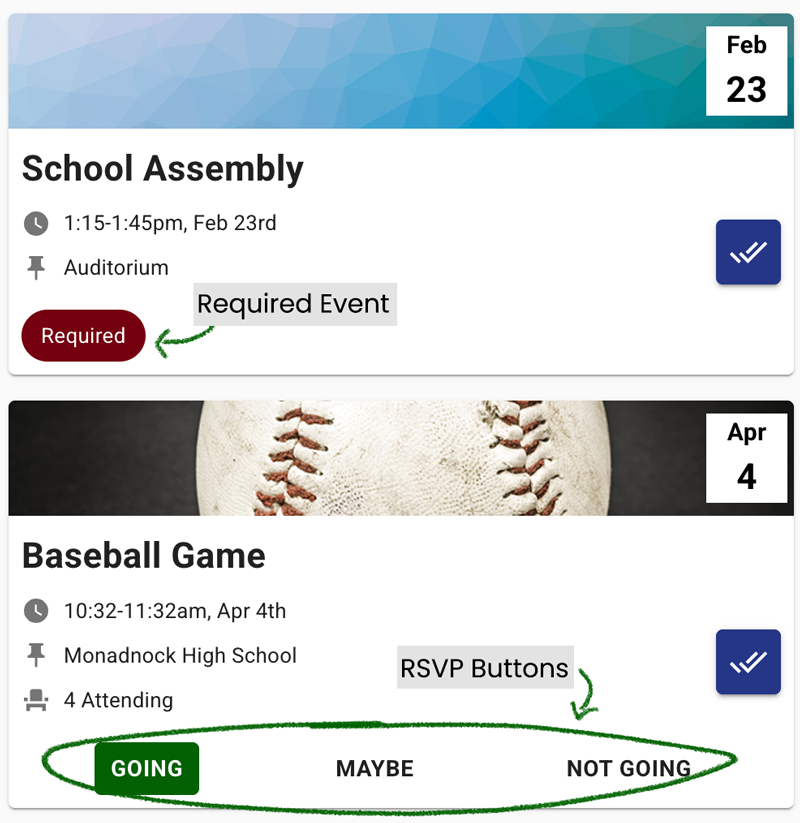
The My Events page shows school events that you are invited to. Each event listing will show the date and time. Some events will have buttons that allow you to RSVP, choosing whether or not you will attend. Other events are required and you won’t see those buttons, as it’s required that you attend.
Check In and Check Out of Events
At an event, there will likely be someone assigned to check you in. They can scan your ID badge, or look you up in the system to check you in. Or, your school may have you scan an event QR code using the camera on your device. If you are also asked to check out of the event, you can scan again, or the event manager may check you out of the event themselves.
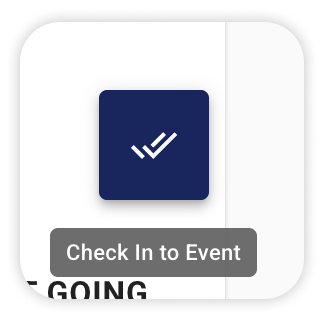
To scan yourself in or out, click the icon on the event listing that you see in the image below. This will take you to a page where you can scan the event QR code.
PREVIOUS: Kiosk Mode