ABOUT US
Building What Schools Need, For Over a Decade
Enriching Students® is a platform for middle and high schools that helps principals, teachers, and district leaders manage Flex Time, digital hall passes, and school or staff events.
Flexible scheduling, known as Flex Time, Flex Period, Flex Block, WIN Time, Mascot Time etc. is how we got our start, helping schools provide enrichment and intervention to every student, during the school day. We’ve been working with schools to make flex a success for over 15 years!
Our Story
It all started with one New Hampshire school back in 2010.
Brian Pickering, the principal of Conval Regional High School had a conversation with a student requesting to see a teacher during their school advisory period. She was a high achieving student, and yet, when she needed some extra assistance within the school day, it seemed there was no time for her to get it. She couldn’t get to school any earlier, and her after school hours were filled with extracurricular activities. The staff at ConVal began to think more about how they were serving their students. Why couldn’t students see the teachers they needed to during the school day?
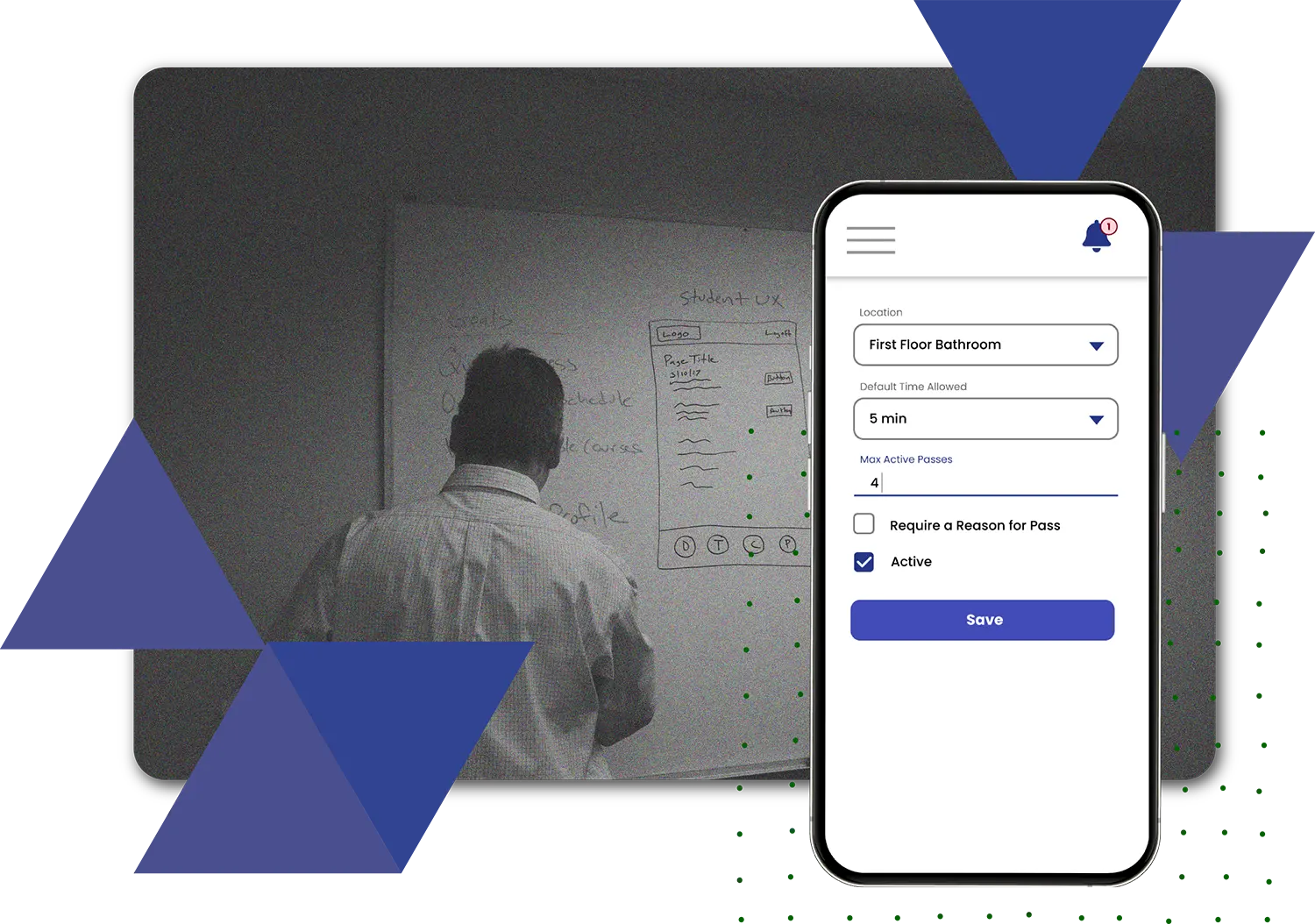
We were asked to develop an application that could help ConVal to implement a flexible schedule, one that allowed students to be scheduled where they needed to in order to receive extra help, or enrichment opportunities. This way, teachers, the principal, and other school staff would know where every student was, while students had the flexibility to go to different locations. We created Enriching Students, a web-based application that enables schools to provide students with the personalized attention they need, within the school day. We believe at the heart of it, all students deserve enriching school experiences, and the chance to reach their full potential. It’s about helping schools make the most of the time they have.
The results have been fantastic. We’re currently working with schools across the country. Schools that use a Response to Intervention (RTI) model, advisory blocks, or other flex block schedules have been able to vastly improve student achievement and enrichment. Teachers can give students the help and one-on-one attention they need in order to be successful. Overall, the curriculum becomes personalized to student needs, and school culture improves. It’s about time!
What We Do
Flex Scheduling
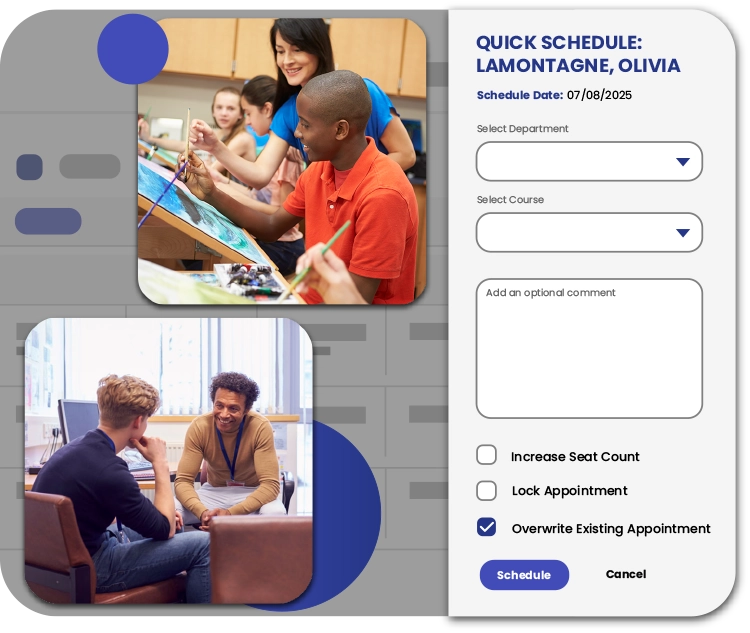
Many schools want to provide opportunities for tutoring, extra help, enrichment, intervention, etc., and know it’s the most effective when it occurs during the school day. The schools we work with use Flex Time (also known as a flex period, WIN Time, flex block, intervention block, enrichment block, activity period, Mascot time, the list goes on!). This is a flexible period of time built into the school day. We help them manage it!
Students can be scheduled to various teachers during flex time to get what they need. Or, then can schedule themselves! Some schools also use our Smart Schedule option to have students automatically scheduled based on custom rules, with no click required. What else?
Custom attendance values so that you can take attendance for flex time with engagement levels.
- Staff can create custom offerings for flex
- Rich reporting data
- So much more, customized to fit your school’s needs!
Student Pass – Our Digital Hall Pass
Paper hall passes and systems are not cutting it for many schools. Behavioral issues in the hallways are increasing, as are safety concerns. A digital hall pass allows schools to know exactly who is in the halls and where they are going.
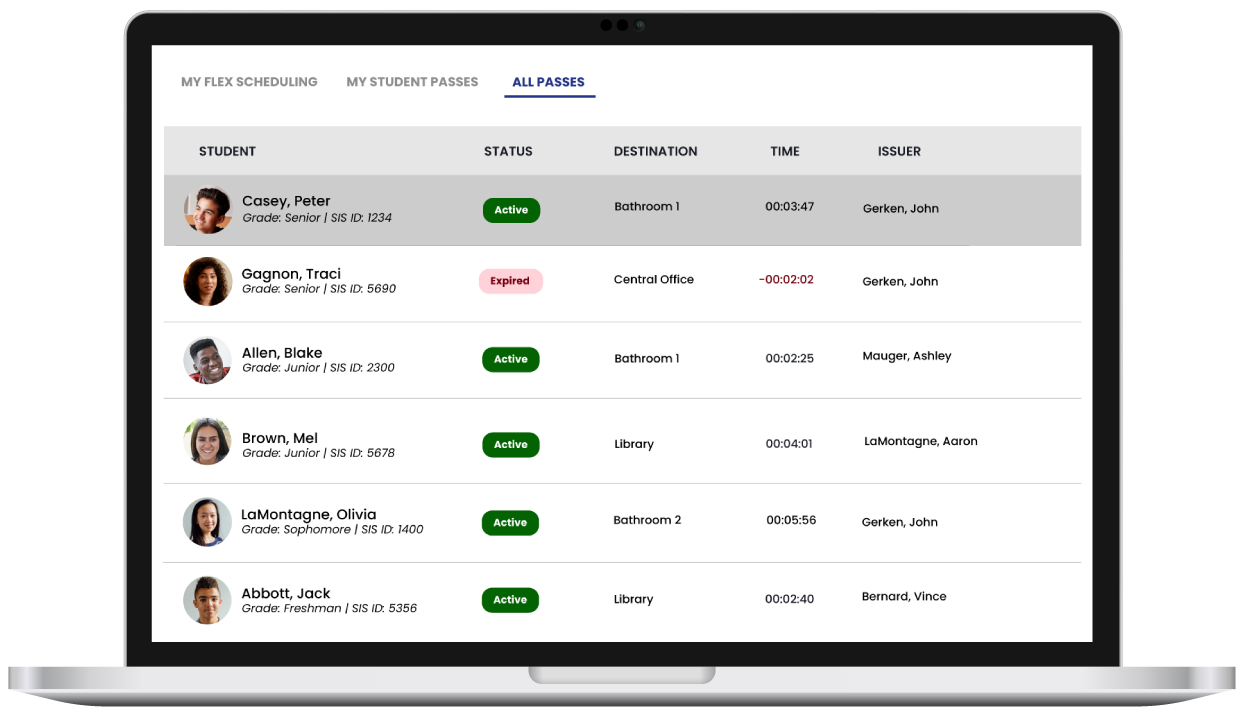
Our digital hall pass, Student Pass, allows schools to set limits on how long a student can be out of class, who they aren’t allowed to be out of class with, and provides invaluable reporting data, such as total missed class time.
Schools can have teachers create passes for students, or have students create their own passes. We offer features like a pass queue, conflict prevention, and a Kiosk mode with built in scanning.
As with our flex scheduler, there are so many options! Request a demo to see how it could work for your school.
School Event Management Software
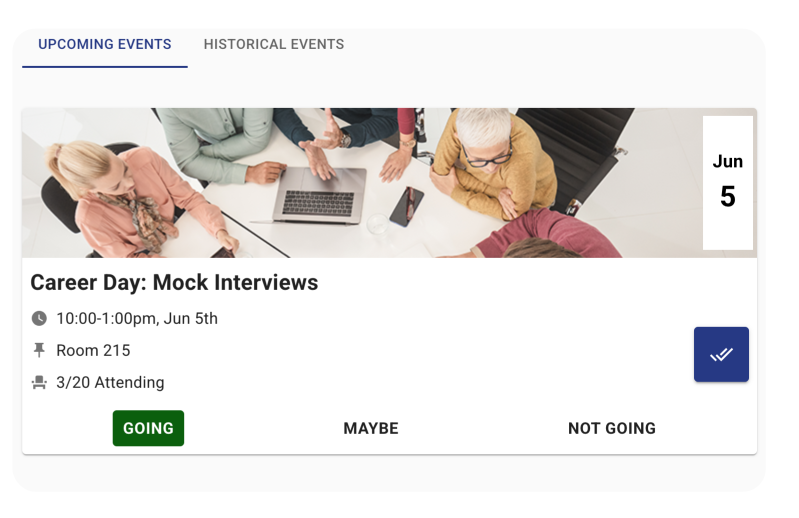
Every school runs events in and out of school, but so often they need a separate tool to manage it, or rely on a different system for every event.
Within our software, Events allows staff to create events for staff or students, track signups, and check them in and out. This could be for things like a soccer game or practice, school assembly, or staff training or PD.
Once the event is created, students or other staff can view event listings and select their attendance choice to RSVP. They can be checked in manually or with their ID badge. Or, from their device, they can scan a unique event QR code to be checked in.
All of these features are available right alongside other Enriching Students® features. Events, as well as Student Pass and our flex scheduler are not a separate tools or modules that requires a different login. You can use them independently if you prefer, but to truly meet student needs, keep track of hallway movement, and providing enriching experiences these tools work best when used together.
Reporting
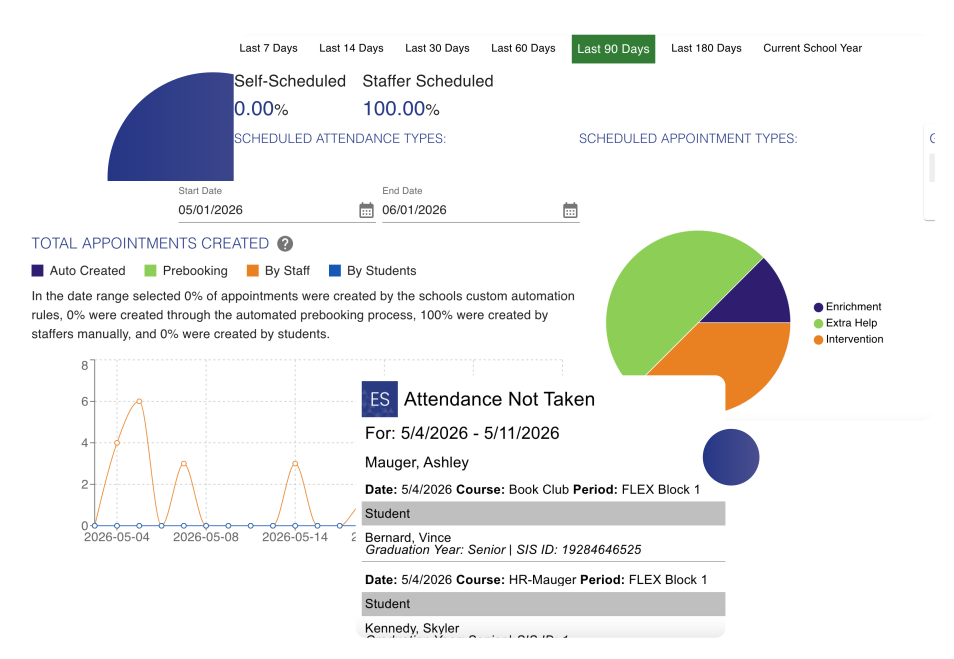
We offer a variety of reports for flex scheduling, student pass, and events. We know school and district leaders need reliable data to evaluate programs, and monitor student progress.
Our reports allow you to see Enriching Students® usage within your school, and specific data like the types of appointments students are being scheduled to for flex time, who issues the most hall passes, most visited locations, student attendance for flex time.
Every student has a Student Profile page where you can view more data about their individual flex scheduling, attendance, and hall pass data. You can also see their grade trends over time. This page can be accessed by parents via our Parent Portal, and students have access to some of its data as well.